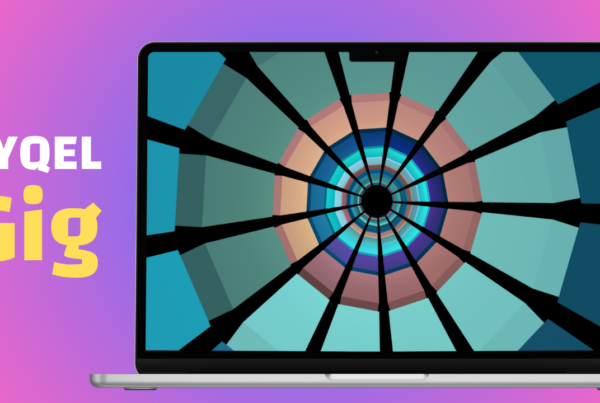
(The Easiest Way to Visualize Your Spotify Music)
🎧 Want to See Your Spotify Music Come to Life?
If you’ve ever wanted to turn your Spotify playlist into a visual experience, you’ve probably hit a wall:
- Extra apps to install
- Confusing audio setup
- Things not working the way they should
It ends up feeling way harder than it should be — just to see your music.
Now It’s Instant
You can now visualize your Spotify music inside SYQEL — without setting anything up.
No Loopback.
No Mixline.
No virtual audio devices.
Just open SYQEL and go.
▶️ See It in Action
⚡ How It Works (2 Clicks)
- Play your music on Spotify
- Open SYQEL
- Click Refresh
- Select Spotify
That’s it — your music is now visualized in real time.
🎨 Your Music, Fully Alive
Instead of just listening, you can now:
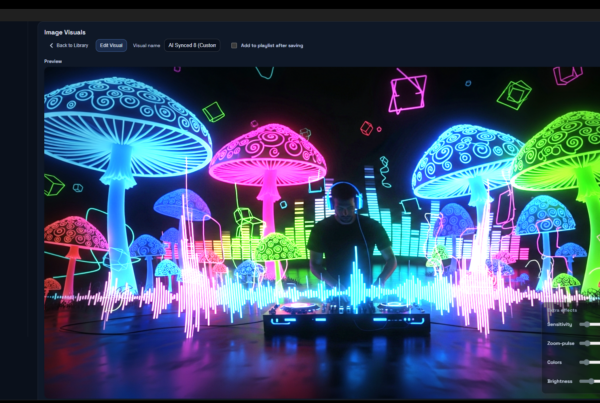
- Watch your playlists move and react
- Turn any song into a visual experience
- Add a new layer to how you enjoy music
No setup. No friction. Just press play.
🧠 Why This Feels Different
Before, getting Spotify audio into a visualizer meant dealing with audio routing tools and technical setup.
Now, that entire step is gone.
You go straight from:
👉 playing your music
to
👉 watching it come alive
🌍 And It’s Not Just Spotify
This works with any app that plays audio:
- YouTube
- Apple Music
- Your favorite DAW
But if you’re here for Spotify — you’re already good to go.
🚀 Try It Now
Play your favorite playlist.
Open SYQEL Desktop.
Click refresh.
And watch your music turn into something you can actually see.